
Searching Tucson Homes Online? Here’s What Happens When You Register on My Website.

If you are browsing homes on my website and a registration prompt appears, you may naturally wonder:
Am I going to get bombarded with phone calls or texts?
Do I have to be ready to buy a home right now?
What happens after I enter my information?
The answer is simple:
You do not have to be ready to buy today.
Registering gives you a better way to search the Southern Arizona real estate market, save homes you are interested in, receive property updates, and stay connected with me when you need professional guidance.
You are not signing a buyer representation agreement.
You are not applying for a mortgage.
You are not committing to purchase a home.
You are simply creating a free home-search account and establishing a direct connection with a local real estate professional you can use as a resource whenever the time is right.
No-pressure registration: Whether your timeline is 30 days, six months, two years, or you are simply researching the market, you are welcome to create an account, follow homes, use the Closely app, and contact me whenever you have questions.
Step 1: Create Your Free Home Search Account
When you save a property or try to save a search on my website, you may be asked to create an account.
The registration form asks for your:
- Name
- Email address
- Phone number
In my current website setup:
Username: your email address
Password: your phone number
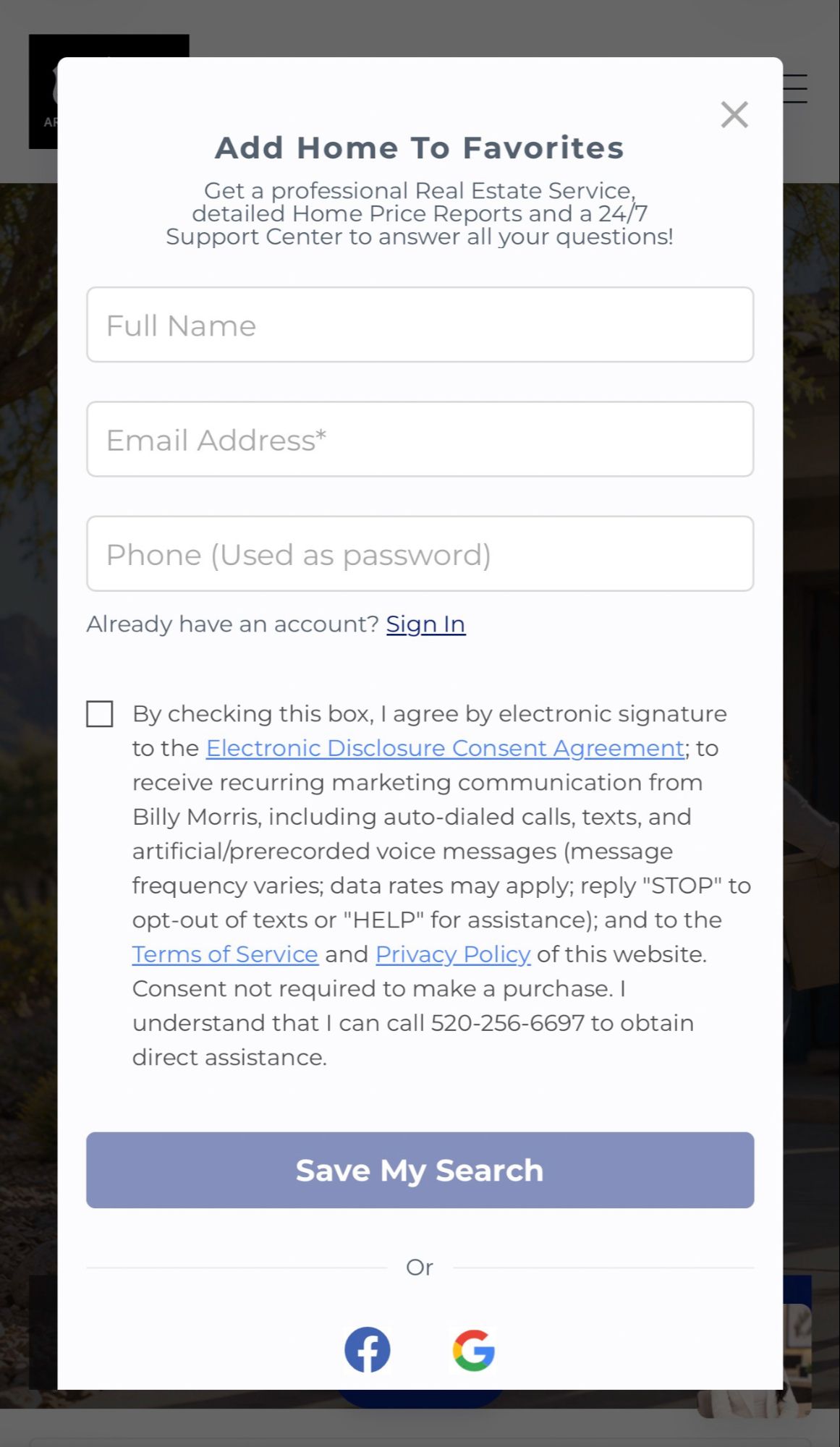
Suggested caption: This is the registration screen you may see when saving a home or search on my website.
Creating an account does not mean you have to buy a home or make an immediate commitment.
It simply gives you access to the website and mobile tools connected to your search.
Step 2: You’re Already Logged In — Scroll Down to Get the App
As soon as you complete the registration form, you are already logged into my website.
You do not need to leave the page, open your email, or sign in again.
If you are registering from your phone, simply scroll to the bottom of the same page.
In the lower-right area, you will see the option to Download the App — Closely.
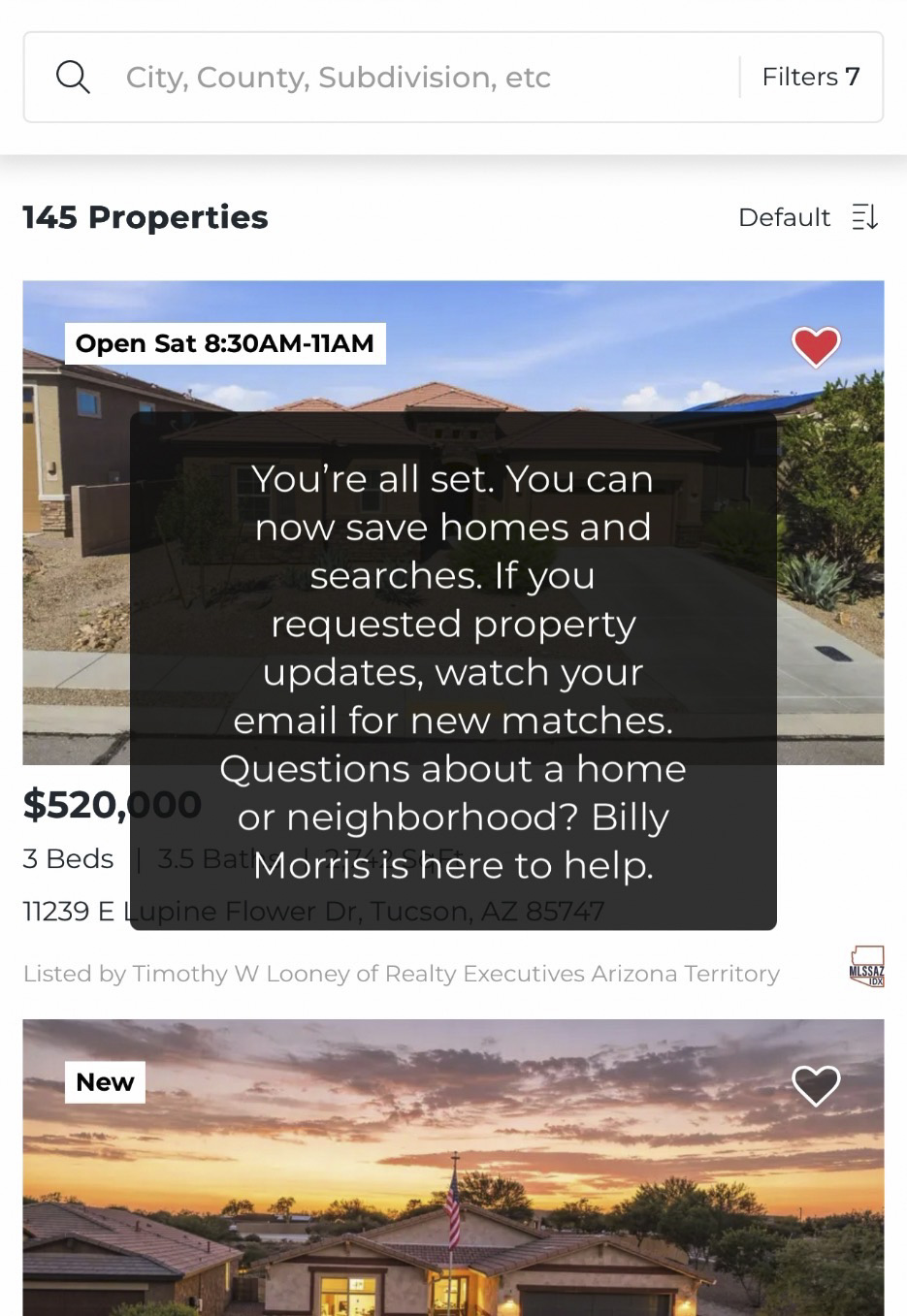
Suggested caption: Once registration is complete, you are already logged in and ready to save homes and searches.
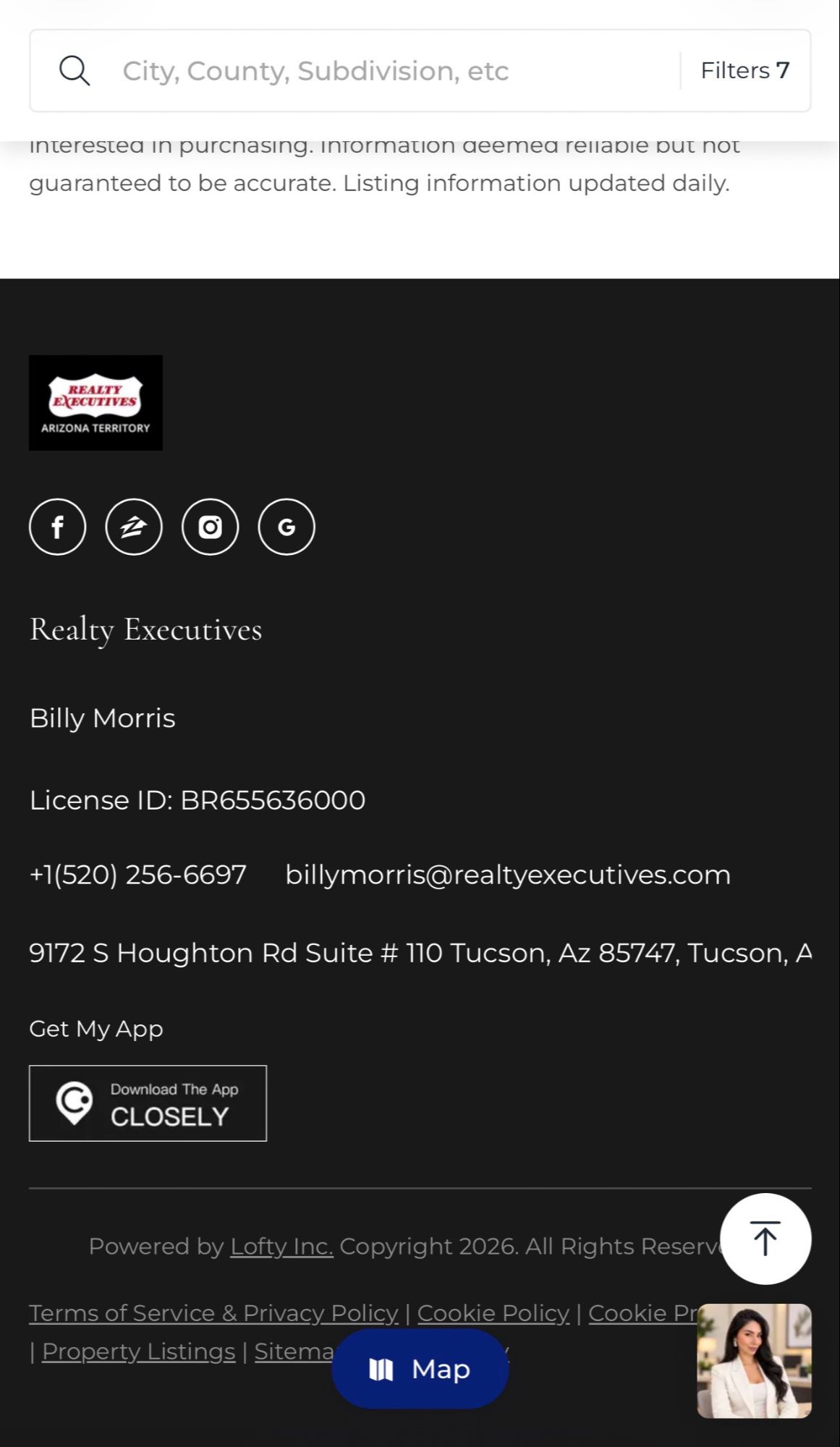
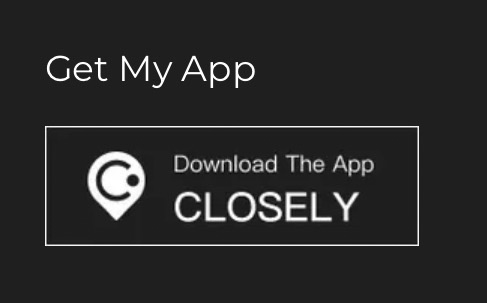
Suggested caption: From the same page, scroll to the bottom and tap the Closely app download option to continue your search on your phone.
Download My Home Search App
iPhone / Apple App Store:
https://apps.apple.com/us/app/closely-real-estate/id1468041067
BUTTON TEXT:
Download My Home Search App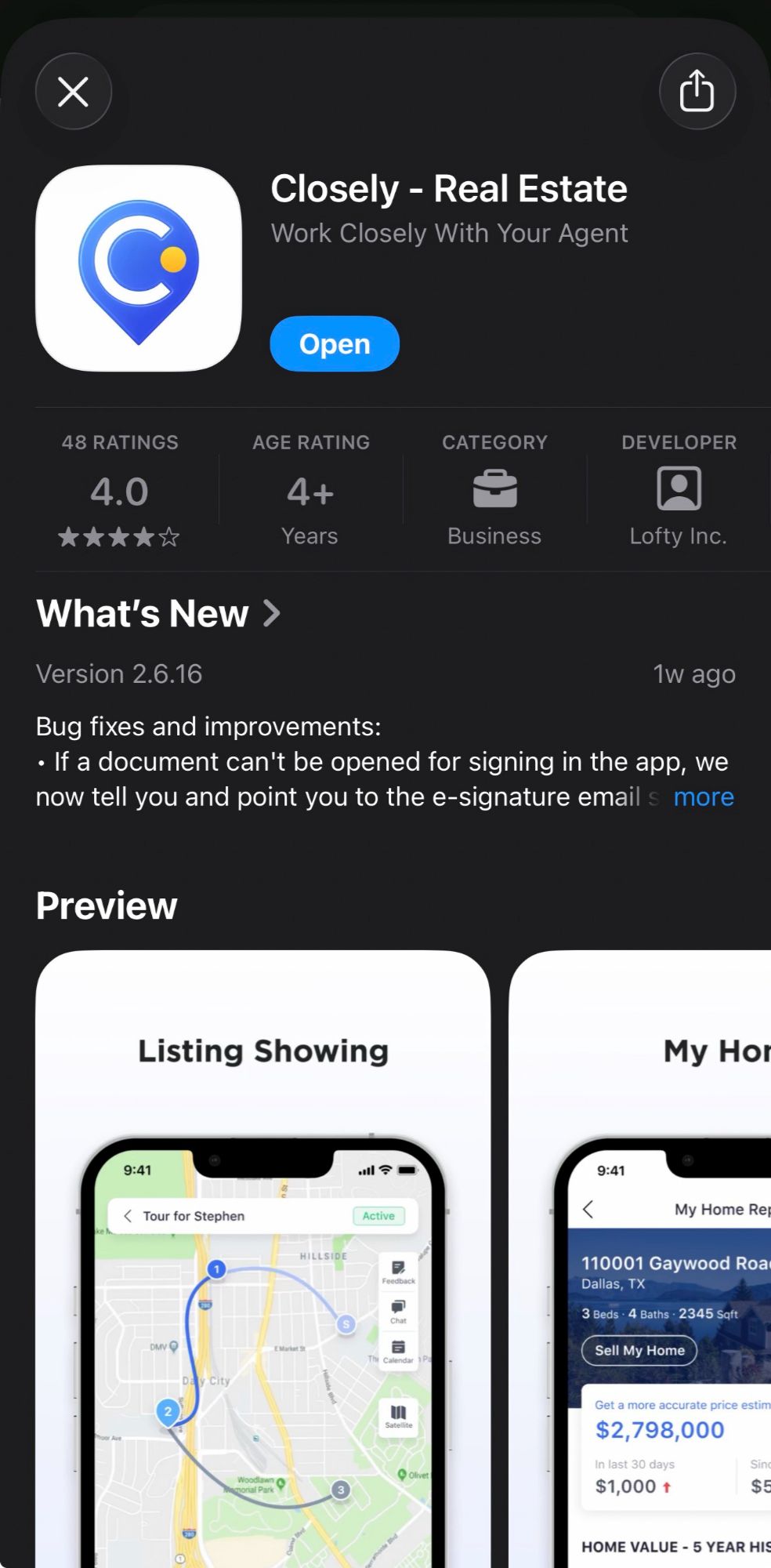
Step 3: Use the Closely Real Estate App
Once you download Closely, you can continue your home search directly from your phone.
You can use the app to:
- Search available homes
- View listing photos and property details
- Save homes that interest you
- Follow your preferred areas
- Keep track of properties you want to revisit
- Share homes with family or friends
- Stay connected to your search while away from your computer
- Contact me when you have questions
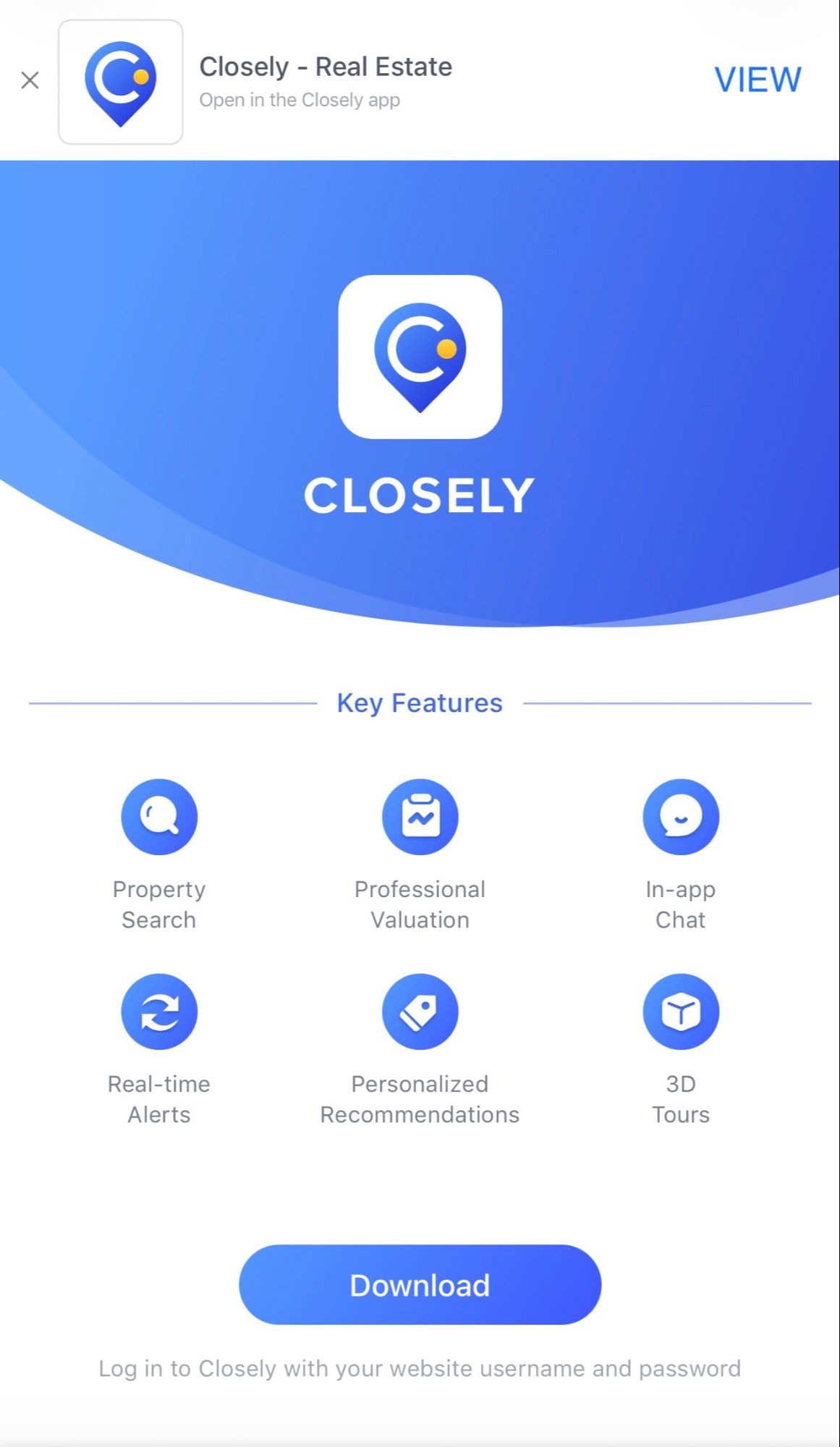
Suggested caption: Closely is the mobile real estate app connected to my website.
Step 4: Sign In With the Same Account
You do not need to create a separate account for the app.
Use the same login information from your website account:
Username: your email address
Password: your phone number
That keeps your website and mobile experience connected.
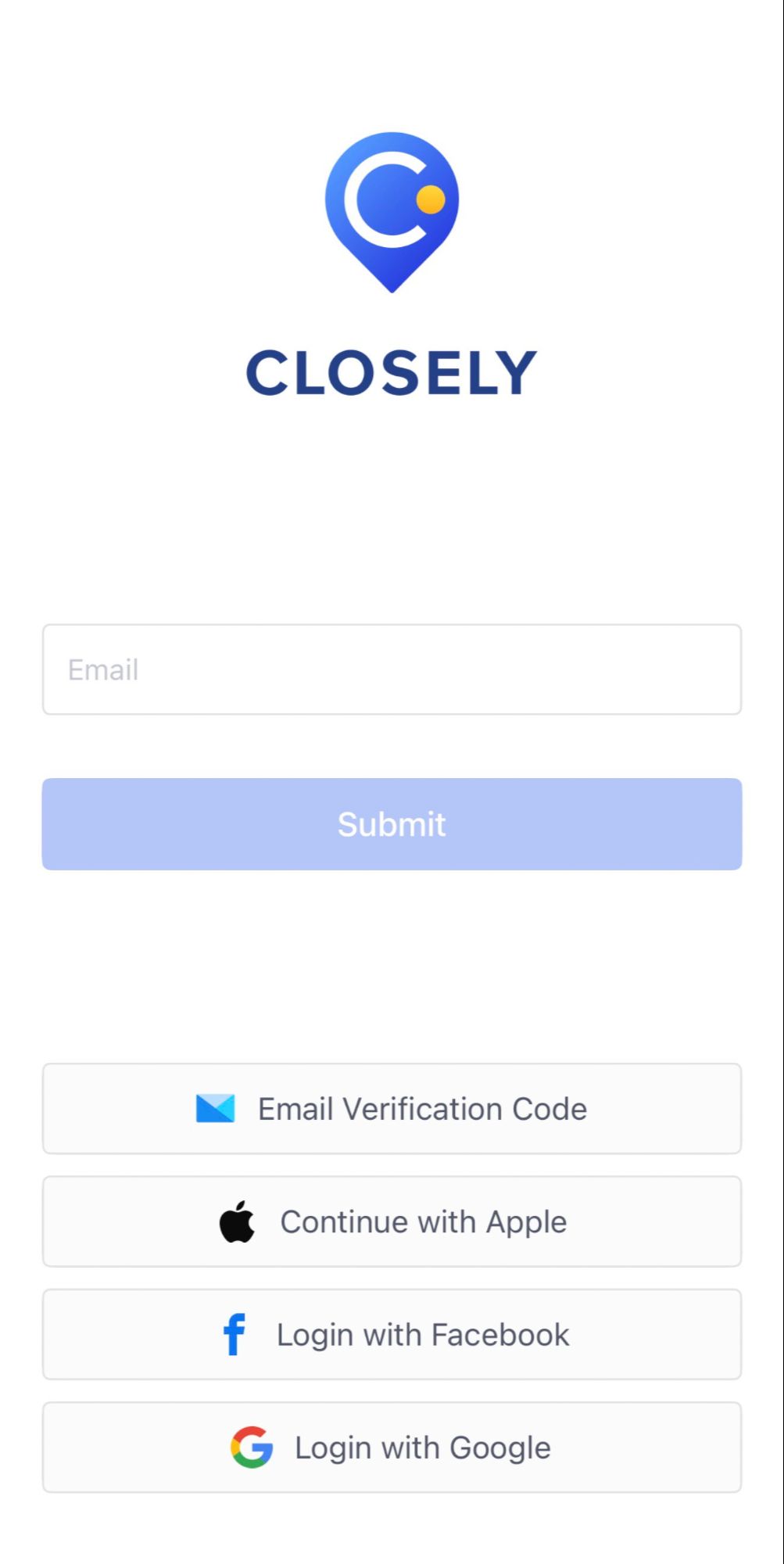
Suggested caption: Use the same website username and password to access Closely.
Step 5: Search Tucson-Area Homes From Your Phone
Once you are inside Closely, you can search available homes throughout Southern Arizona directly from your phone.
The app includes tools for:
- Property search
- Map search
- Featured listings
- Mortgage information
- Property valuation
- Real-time alerts
- Personalized recommendations
- In-app communication
- Saved properties
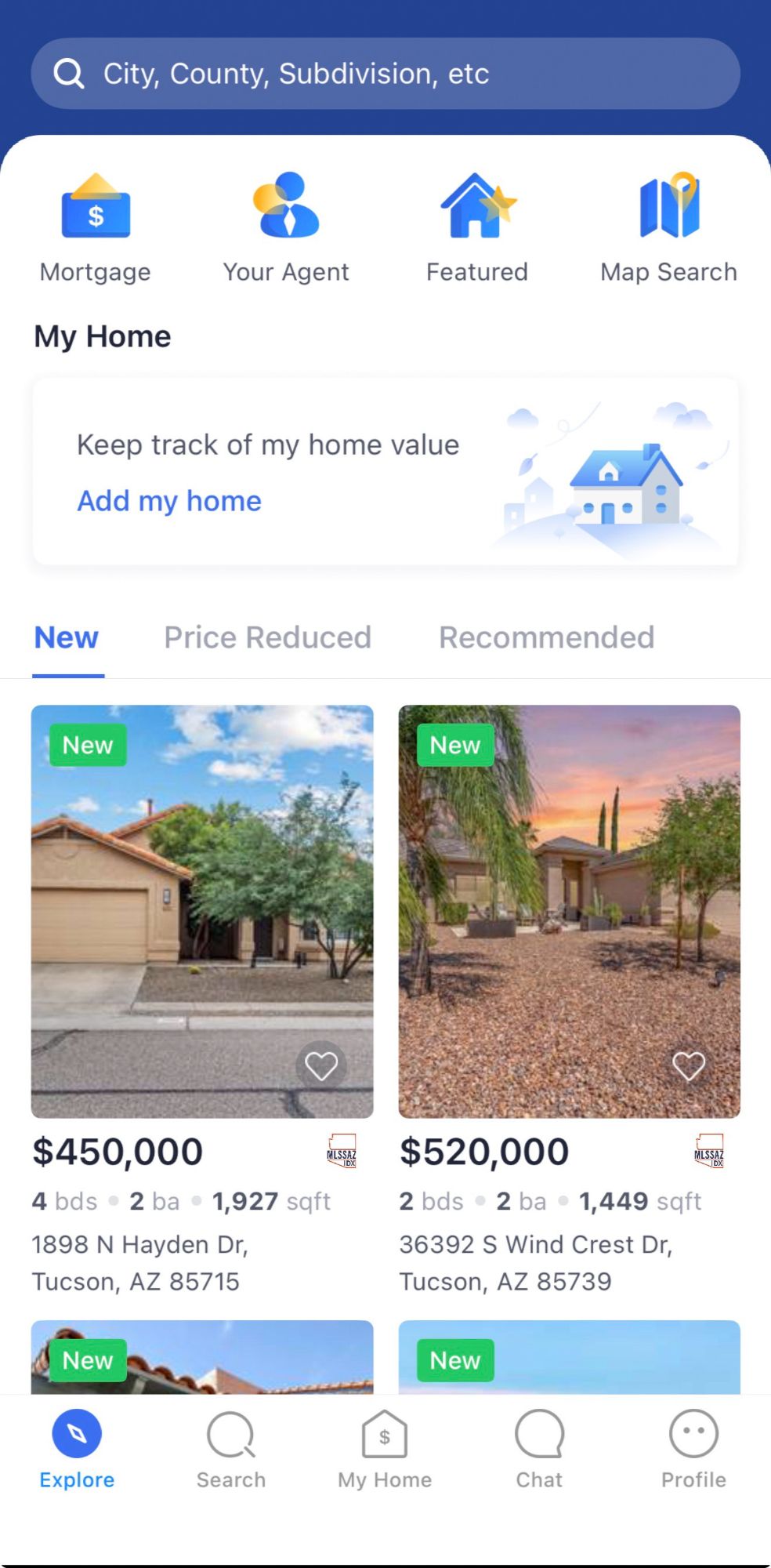
Suggested caption: Search new listings, price reductions, recommended homes, and more directly from your phone.
This gives you an easy way to check the market even when you are away from your computer.
You Do Not Have to Be Ready to Buy
This is one of the most important things I want visitors to understand.
You are welcome to register even if your move is months—or years—away.
You may simply be:
- Watching Tucson-area home prices
- Researching neighborhoods
- Comparing Tucson, Vail, Marana, Oro Valley, Sahuarita, or Corona de Tucson
- Planning a future military PCS
- Learning about VA financing
- Preparing financially
- Considering new construction
- Thinking about selling your current home first
- Researching investment property
- Helping a friend or family member prepare for a move
Starting early can actually be an advantage.
It gives you time to understand what your budget buys, which areas appeal to you, and what features matter most before you are under pressure to make a decision.
Build a Search Around What Actually Matters to You
A useful home search should reflect your actual goals.
Your search can include criteria such as:
- Price range
- Bedrooms and bathrooms
- Property type
- Lot size
- Pool
- Mountain views
- New construction
- Specific neighborhoods
- School districts
- Commute considerations
- VA financing
- FHA financing
- Conventional financing
- USDA financing
- Military relocation needs
- Proximity to Davis-Monthan Air Force Base
You may not know exactly what you want when you begin.
That is normal.
The more you follow the market and save homes, the easier it becomes to recognize what matters most to you.
Save the Homes That Catch Your Attention
Most buyers do not have their entire wish list figured out on day one.
Saving homes gives you a way to compare properties over time and discover what really matters to you.
You may begin thinking you need one feature and later realize another is more important.
For example, you might discover that:
- A larger lot matters more than an extra bedroom
- Mountain views are more important than a pool
- You prefer Vail over another community
- New construction fits your goals better
- A shorter commute changes which neighborhoods you prefer
- Your comfortable price range is different than you originally expected
Your home search should evolve as you learn.
The Biggest Difference Is That You Are Connected to a Local Real Estate Professional
You can search for homes on a lot of websites.
The bigger advantage of registering through my website is that your search is connected directly to me.
When you have a question about a property, you already know who to ask.
You may want to know:
- Is this home priced appropriately?
- How long has it been on the market?
- Has the seller reduced the price?
- Are seller concessions realistic?
- What should I know about the neighborhood?
- Does the property have an HOA?
- Could there be issues for a VA or FHA buyer?
- How does it compare with recent sales?
- Is it worth scheduling a showing?
A listing page provides information.
My job is to help you understand what that information means for your situation.
Your Welcome Email Has Your Login Information
You will also receive a welcome email after registering.
You do not need to wait for that email to continue using the website or download the app, because you are already logged in as soon as registration is complete.
The email is useful to keep for reference because it confirms your account credentials:
Username: your email address
Password: your phone number
You can use those same credentials if you need to sign back into the website or log in to Closely later.
Your Account Can Be Useful Even Before You Are Ready
When you register, I do not want you to think of yourself as simply another name in a database.
My goal is to establish a long-term real estate relationship.
You may eventually need to:
- Buy a home
- Sell your current home
- Do both
- Relocate
- Use VA financing
- Research an investment property
- Help a family member
- Refer a friend, neighbor, coworker, or fellow veteran
I want you to already have a real estate professional you know you can call.
That relationship can begin long before a transaction does.
Need a Lender or Other Real Estate Resource?
Homeownership often involves more than simply finding a property.
When appropriate, I can help connect you with trusted local resources for:
- Mortgage lending
- VA financing
- Home inspections
- Title and escrow
- Home insurance
- New construction
- Home valuation
- Local market information
- Selling your existing home
You do not have to know every step before you start searching.
That is part of having someone in your corner.
My Goal Is to Be Your Real Estate Resource
There are plenty of places online where you can look at houses.
I want my website and mobile app to give you something more valuable:
A direct connection to a local real estate professional who understands the Southern Arizona market and is available when you need help.
Whether your move is next month, next year, or simply something you are considering:
Search homes.
Save your favorites.
Scroll down and download the Closely app.
Watch the market.
Ask questions.
And when you are ready to buy or sell, we will already have a relationship in place.
Ready to Start Exploring?
You do not need to be ready to buy today.
You just need a reliable place to start.
PRIMARY CTA BUTTON
Download My Home Search App
Link:
https://apps.apple.com/us/app/closely-real-estate/id1468041067
SECONDARY CTA BUTTON
Search Tucson-Area Homes
Link this to your existing Buyer / Listings page.
Recommended Screenshot Order
Use these five screenshots in this order:
- Current registration popup
- “You’re all set” confirmation
- Website “Get My App / Closely” section
- Closely app download / key-features screen
- Closely Explore screen showing Tucson-area listings
That gives the article a clean visual flow:
Register → already logged in → scroll down → download Closely → search on mobile → contact Billy when needed.
Categories
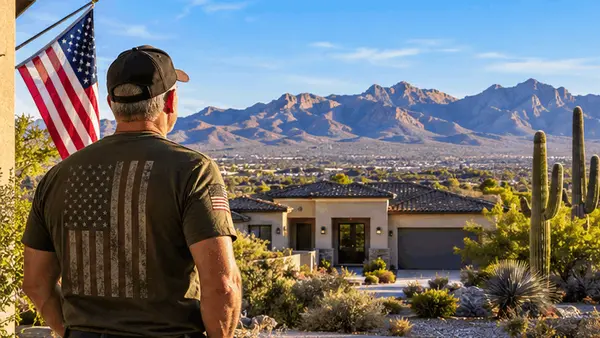


EXPLORE OUR FEATURED AREA
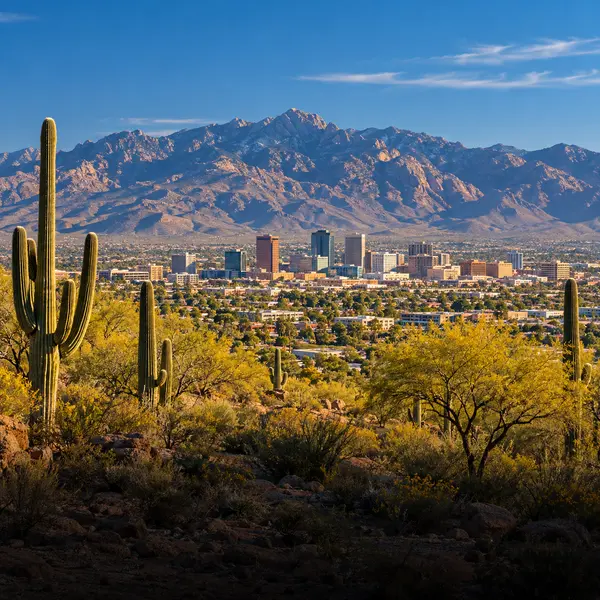
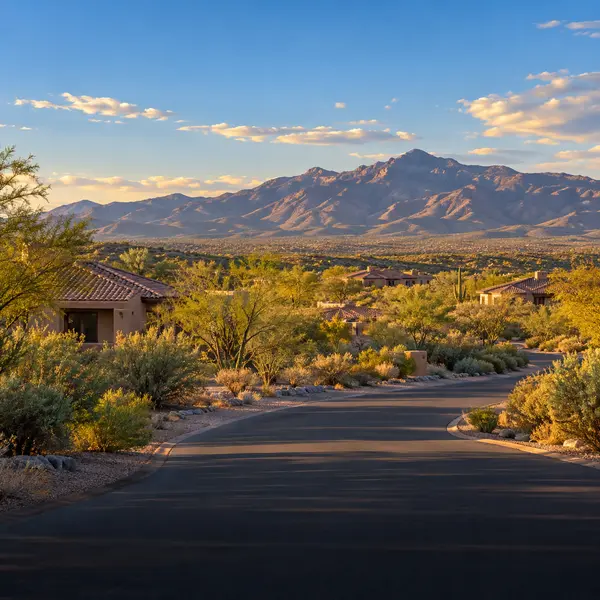

HAVE A REAL ESTATE QUESTION? LET’S TALK